What Is a PVA (Phone Verified Account)? PVA vs Non-PVA Explained
PVA means Phone Verified Account, and it's the most searched label in the whole account market. What it buys you, how it differs from an email-only account, and when the premium is wasted money.
Key Takeaways
- PVA stands for Phone Verified Account. Verification with a real mobile number reads as a strong trust signal on every major platform.
- PVAs get feature access sooner (ads, Marketplace), hold up better against bans, and cost more than email-only accounts.
- Verification quality varies. Recycled numbers, VoIP numbers, and region mismatches hollow out the PVA label.
- Pay the premium for ads, monetization, and long-term assets. Skip it for disposable high-volume work.
- PVA, aged, and softreg are independent dimensions. One account can be all three at once.
Phone Verified Account. That's the acronym, and that part of the mystery is now solved.
The question people actually have is the next one: why an account with a phone number attached costs more than an identical-looking one with just an email on it, and whether that extra money buys anything real. Usually it does. Not always, and not for every job, which is the part listings never explain.
What "PVA" Actually Means
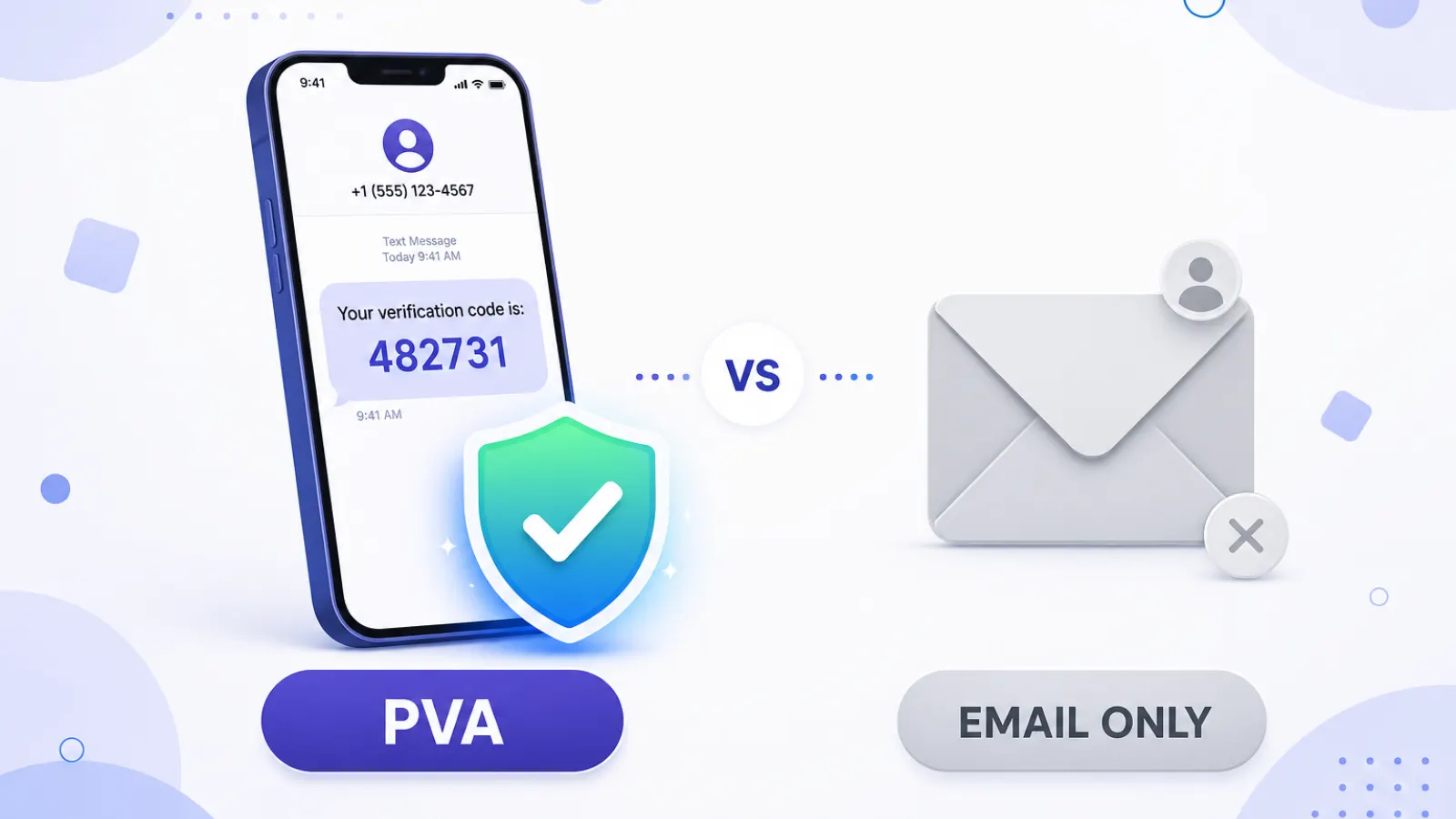
A PVA is any account confirmed during or after signup with a real mobile number, nearly always through an SMS code. One step, one code. That's the entire difference between a PVA and an account that never proved anything beyond an email address.
Instagram, Facebook, X (Twitter), TikTok, Gmail. All of them read phone verification as a stronger signal than email verification, and the reason is economics rather than security. Throwaway inboxes are free and infinite. Phone numbers cost money and run out. An account tied to one looks more like a person to the anti-abuse systems, and their opinion is the only one that affects your account.
PVA vs Non-PVA (Email-Only) Accounts
It comes down to what the account had to prove on the day it was made:
| Factor | PVA (Phone Verified) | Non-PVA (Email-Only) |
|---|---|---|
| Verification method | SMS code to a real number | Email confirmation only |
| Platform trust score | Higher | Lower |
| Feature access (ads, Marketplace) | Opens up sooner | Often restricted |
| Ban resistance | More resistant | Flagged sooner |
| Price | Higher | Cheaper |
| Best for | Ads, long-term, monetization | Bulk testing, short-term volume |
Why Phone Verification Raises an Account's Trust Score
Platforms have been fighting automated signups for as long as they've had signups, and their oldest defense is still the sharpest one: make accounts expensive to create. Anybody can generate a thousand email addresses before lunch. Nobody generates a thousand real SIM cards, and definitely not in a country the platform already trusts.
So a phone-verified account gets treated as harder to replace, and the platform extends it more rope. Higher action limits. Faster access to ads and Marketplace. A lower chance of getting swept up when a spam pattern gets cleaned out. None of that makes a PVA bulletproof, because nothing does. It raises the floor, which is worth paying for on the right account.
The Catch: Not All Phone Verification Is Equal
Here's where cheap PVAs come apart. The label only means something if the number behind it is clean, and three things decide that:
- Recycled numbers. Budget suppliers run one SIM through dozens of accounts. After the tenth verification, platforms start treating everything tied to that number as related, which it is. Serious suppliers keep dedicated SIM pools instead.
- VoIP and virtual numbers. Most platforms detect these now and reject them outright. A real physical SIM behind the verification is worth several times a flagged virtual one.
- Region mismatch. A US-profile account verified by a number from an unrelated country is a contradiction sitting in plain sight, and platforms read it easily. Strong PVAs match the number's country to where the account is meant to operate.
So "PVA" in a listing tells you what was done, not how well it was done. Ask about the numbers before you ask about the price.
When You Actually Need a PVA (and When You Don't)
Pay the premium when:
- You're running paid ads. Most platforms won't let an account spend until there's a phone on it.
- Feature access is the whole point: Facebook Marketplace, monetization, higher posting limits.
- The account is a long-term asset and losing it to an early flag would genuinely hurt.
- You want a recovery path that still works when a security challenge shows up.
Skip it when:
- The work is high-volume and disposable, with losses already priced in
- You need accounts for a short testing window and nothing beyond it
- Cost per account is the constraint you're optimizing and every account in the batch is replaceable
How PVA Fits with "Aged" and "Softreg"
Those three words answer three different questions, which is exactly why one account can be all of them at once. PVA is how it was verified. Aged is how old it is. Softreg is how it was made. A softreg PVA is a perfectly normal thing to buy, and so is an aged PVA, and so is an email-only aged account.
Still sorting out the vocabulary? Our breakdown of aged versus softreg and the piece on how a softreg account gets made cover the other two dimensions properly.
Every listing on Accstall states its verification format outright, mail or cookie or 2FA, so nobody has to guess what sits behind the price.
And if a seller can't say where their numbers came from, you already have your answer.