How to Recover a Disabled Instagram Account in 2026 (Step by Step)
A disabled Instagram account can usually be recovered, but only through Instagram's own appeal and identity checks. Here's the order to work in, how long each stage really takes, and what to do if the answer comes back no.
Key Takeaways
- Recovery runs through Instagram's own appeal flow and nothing else. Paid "recovery services" are scams.
- Appeal once, from the device and network the account normally used, and complete identity verification without delay.
- Most appeals resolve somewhere between a few days and 2–4 weeks. A month of silence usually means the decision stands.
- Miss the appeal window, often 30 days and sometimes 180, and the account is deleted permanently.
- Re-registering instantly on the same device and number counts as ban evasion, and the new account goes down too.
First thing: stop. Don't submit anything yet, don't open a second appeal, and don't pay anyone who says they can fix this. Nobody outside Meta can.
Disabled accounts do come back. The route is Instagram's own appeal, plus identity verification if they ask for it, and the whole thing turns on doing it once and doing it properly. No backdoor, no working paid recovery service, no support number to call.
The order to work in: read the message, file the appeal, verify who you are, wait. And if the answer comes back no, what your options actually are.
Why Did Instagram Disable Your Account?
Start here, because the reason sets both your route and your odds. The common cases:
| Reason | What you usually see | Recovery odds |
|---|---|---|
| Automation / spam behavior | "We suspended your account" after activity spikes | Good with appeal + verification |
| Community guideline violation | "Your account has been disabled" at login | Moderate, depends on severity |
| Suspected compromise / hacked | Locked "for your protection", forced password reset | Very good via identity checks |
| Suspected fake / underage | Request for ID or selfie video | Good if you can verify |
| Ban evasion / repeat offense | New accounts disabled quickly after a previous ban | Poor |
One distinction matters more than the rest. A suspension with an appeal window is recoverable if you move while the window is open, and Instagram usually names the deadline in the message: often 30 days, sometimes 180 for certain violation types. Let it close and the account is normally deleted for good. So read the date first.
Step 1: Try to Log In and Read the Message Carefully
Open the official app, enter your credentials, and read exactly what Instagram tells you. The wording is what tells you which flow you're in. Don't skim it.
- "We suspended your account" with a Disagree or Appeal button. Best case. The appeal flow is built into the message, so follow it right there.
- "Your account has been disabled for violating our terms." Tap "Learn more" and follow the disagreement flow. No button? Use Instagram's help pages while logged out.
- A password reset loop, or a "suspicious activity" lock. Security hold, not a ban. Use "Get help logging in", confirm through your registered email or phone, and reset the password.
- "Account not found." Either the username was changed, which points at a hijack and means account recovery through your email, or the account is already deleted.
Step 2: File the Appeal — Once, and Properly
The appeal itself is short, in-app or through a Help Center form. You confirm the account is yours, you state that you believe the action was a mistake, you submit. That's the whole form. What changes the outcome is how you go about it.
- Appeal once, then wait. This is the rule people break, and it's the one that costs them the account. Sending the form again escalates nothing, reaches no extra human, and can get you flagged as spam. Once. Then leave it alone.
- Appeal from the original environment. The device the account normally used, same network, same country. A recovery attempt from an unfamiliar IP reads like a takeover.
- Be factual, not emotional. If a field asks for context, one or two neutral sentences beat a plea. And if the ban followed third-party automation tools, stop using them before you appeal.
- Keep the registered email and phone alive. Instagram's entire response flow runs through them. Lose access there and you've lost the appeal.
Step 3: Complete Identity Verification
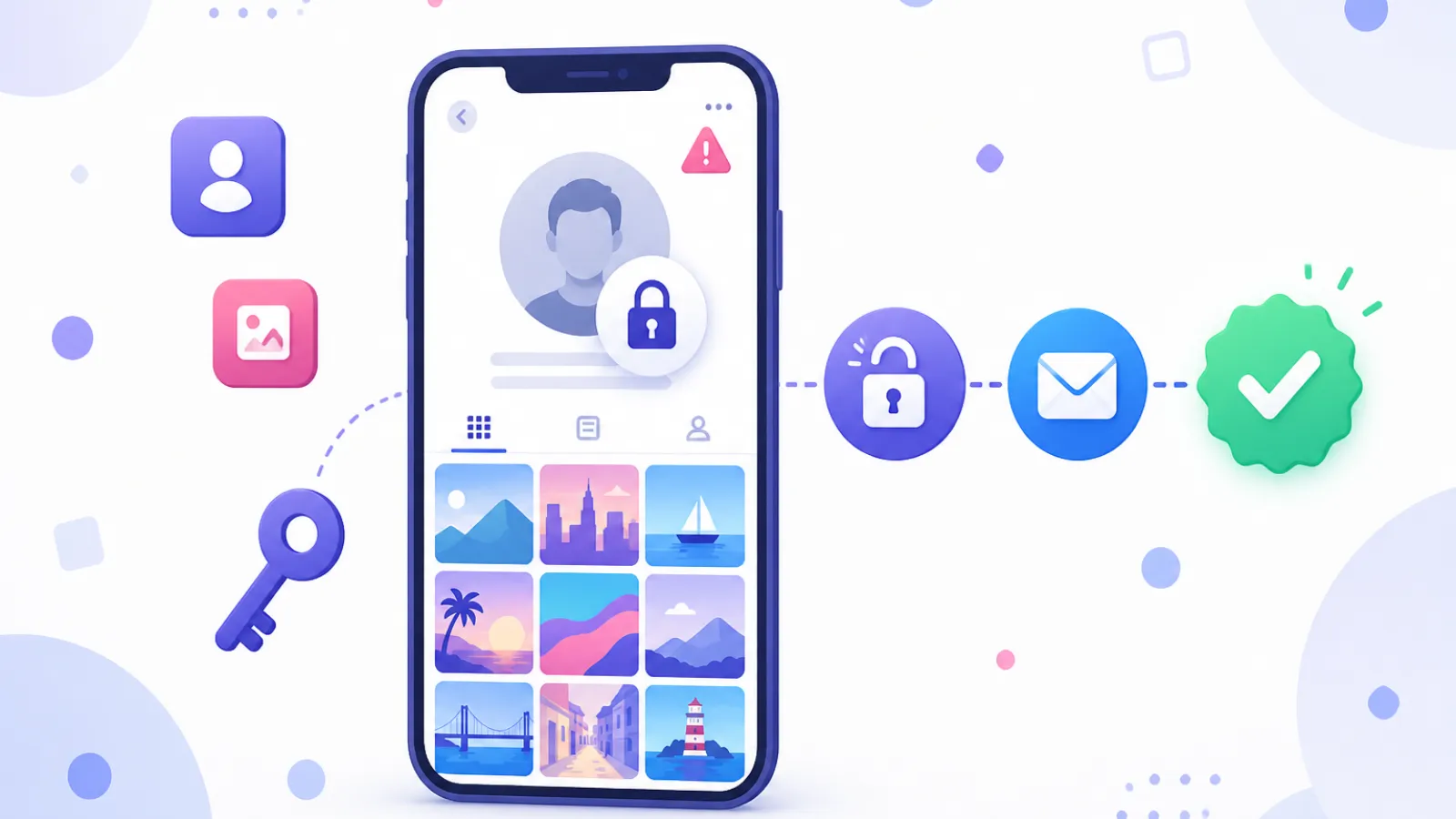
For most "disabled" cases Instagram replies by email and asks you to prove you're a real person. Usually a selfie video, checked against the account. Accounts registered under a real name may be asked for a photo ID instead, and some flows want a code written on paper.
Do it promptly and follow the instructions to the letter. This step filters out the bot appeals, and passing it is what actually gets most accounts reinstated. A tedious few minutes. Do it right the first time.
How Long Does Instagram Account Recovery Take?
Simple security locks clear in minutes to hours. Appeals that involve identity verification run a few days to 2–4 weeks, and that's the normal range rather than the worst case. Silence for a month almost always means the decision stands.
One exception: business accounts tied to a Meta Business portfolio sometimes get handled faster through Meta Business support channels. If you run ads, start there.
What If the Account Can't Be Recovered?
If the appeal comes back rejected, or the window has closed, treat the account as gone. Then be careful what you do next, because this is where people turn one loss into two.
Instagram links new accounts to old bans through device fingerprints, phone numbers, emails and IP addresses. Registering again on the same phone with the same number is the textbook ban-evasion pattern, and the replacement tends to go down within days.
Rebuild clean instead: a fresh environment, new contact details, slow human-paced activity from day one. Our Instagram warm-up guide was written for this situation. For business use, where starting again from zero followers isn't realistic, an established aged account is the pragmatic route, run carefully from a clean, consistent IP.
How to Keep It From Happening Again
- Turn on 2FA with an authenticator app. Hijacked accounts are a large share of "compromised" locks, and 2FA is what stops the hijack. Phone-verified accounts hold up better too, which we cover in our PVA explainer.
- No activity spikes. Mass-following, bulk DMs and aggressive third-party tools cause more automation suspensions than everything else combined.
- Log in from the same place. Constantly changing IPs and devices wears down account trust, quietly, until one ordinary action trips a review.
- Keep the email and phone current. Without access to both, recovery is close to impossible.
Frequently Asked Questions
Can I recover a permanently disabled Instagram account?
In nearly all cases, no. A permanently disabled account has been deleted along with its data, whether the appeal was rejected or the window simply expired. Services claiming otherwise are scams, because nobody outside Meta has that access. Save your money.
How many times can I appeal?
Once per action, in practice. You can send more if Instagram explicitly asks you for extra information, but repeating an identical appeal doesn't help and can hurt. Treat the first submission as your only one.
Does a VPN help with recovery?
No, a VPN makes recovery harder. Appealing from an unfamiliar country or a flagged VPN IP makes the request look like an account takeover. Use the network the account normally lived on.
Can I just create a new account after a ban?
You can, but not carelessly. Same device, same phone number, immediate re-registration: that's textbook ban evasion, and Instagram catches it. Use fresh contact details and a clean environment, and warm the account up slowly.
My account was hacked and then disabled — what do I do?
Use Instagram's hacked-account flow at instagram.com/hacked rather than the standard appeal. Identity verification is the core of that path, and if the account carried your real identity your chances are good.
One practical note for anyone whose account was the front door to a business: if the appeal fails and waiting isn't an option, an aged Instagram account puts you back on a working base without the cold start from zero followers.
Most people reading this don't need that yet. Read the message, appeal once, verify, wait. That sequence gets more accounts back than anything else you could do this week.