Cookie vs Mail-Only Instagram Accounts: What's the Difference?
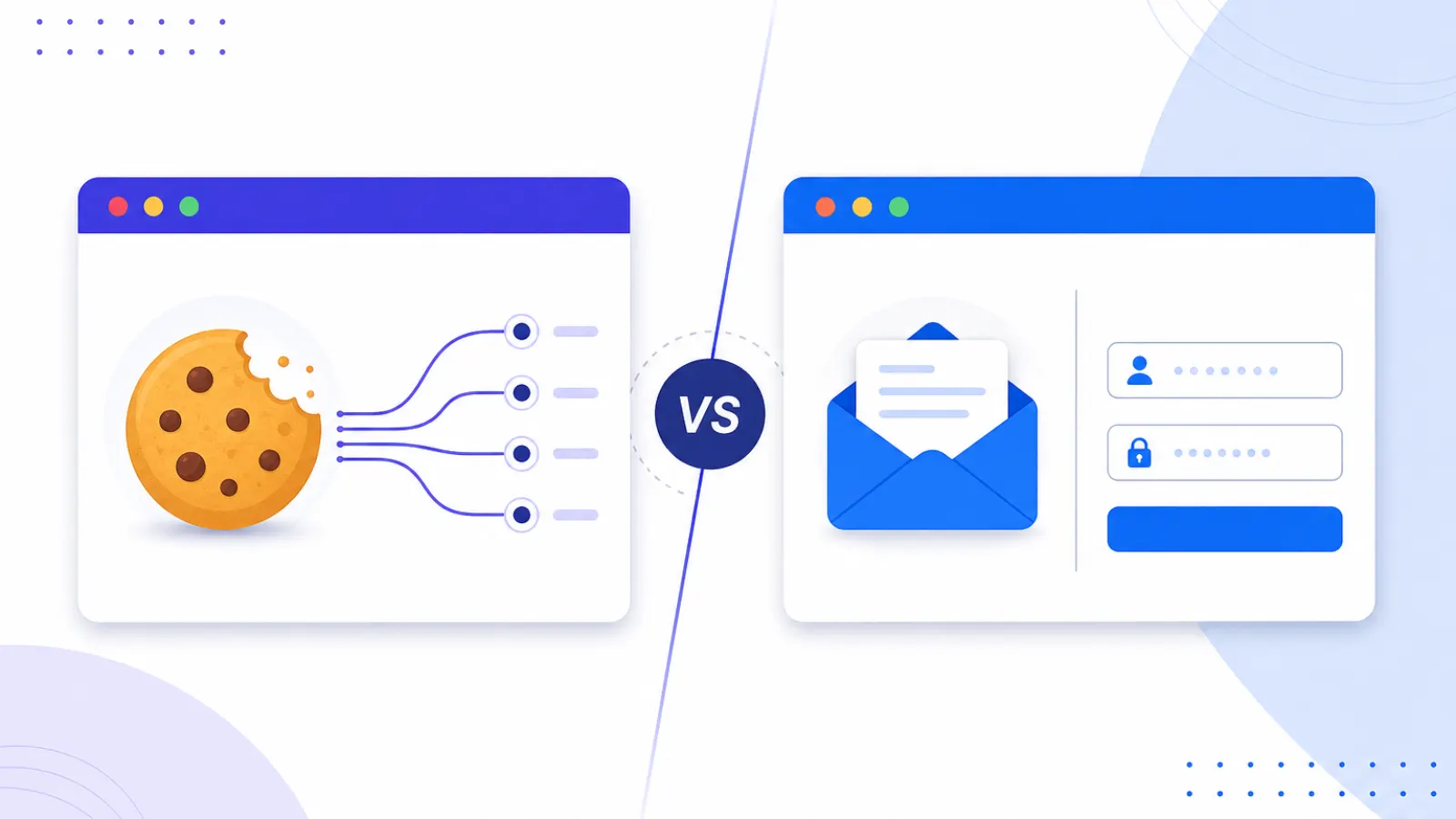
The difference between a mail-only and a cookie Instagram account is one file, and it decides how your first login goes. Here's which format suits which workflow.
Key Takeaways
- Mail-only accounts include credentials plus email access. Cookie accounts add a valid session file that restores a logged-in session.
- A working session cookie skips the fresh-login verification challenge, which is the whole advantage for automation tools.
- Cookies cost more because a live, working session has to be built on a clean IP and exported intact.
- 2FA variants include a TOTP secret: harder to lose, and smoother through Instagram's verification prompts.
- Manual and low-volume? Mail-only. Bots, schedulers and multi-account tooling? Cookie.
$0.10 or $0.20. That's the gap between a mail-only Instagram account and a cookie one, and it's the first real fork you hit on any listing: mail-only vs cookie accounts.
On one account it's a rounding error. On five hundred it's a line item, and the wrong call in either direction costs you. Overpay for session data your tooling ignores, or save the ten cents and spend your week digging verification codes out of an inbox.
What Is a Mail-Only Account?
Two things. The Instagram credentials, and access to the inbox the account was registered to. No session data at all.
Which means when you log in, Instagram sees a device it has never met asking to come in. Depending on the account's history and the IP you're coming from, that goes one of two ways: nothing happens, or you get a code to the email address and possibly a CAPTCHA on top. Email access is the whole reason the format works, since you can clear the check yourself. Accounts with 2FA ship the TOTP secret too, so that prompt is survivable as well.
You pay less because you do more. It's a solid choice when:
- You're logging in by hand, so a verification prompt costs you ten seconds rather than stalling a pipeline
- Your tool builds its own session after that first login and keeps it
- Volume is the point and cost per account is the number you're actually optimizing
- The inbox is the part you needed, for recovery
What Is a Cookie Account?
Everything above, plus a valid session cookie file. That cookie is an Instagram session somebody already authenticated, on a device Instagram has already seen and waved through.
Load it into your browser or your automation tool and you land inside that session. No login flow, no fresh authentication event. Instagram sees a returning user picking up where they left off, which is a completely different proposition from a stranger knocking on the door. Verification checkpoints on first use drop off sharply.
Run automation at any scale and this stops being a preference. Multilogin, AdsPower, a Playwright or Selenium rig you built yourself, all of them behave better on a restored session than on a cold credential login. Not marginally better. Noticeably.
Why Do Cookies Cost More?
Because somebody had to create the session, and doing it properly costs money. The account has to be logged in from a clean IP that Instagram hasn't already tied to something suspicious, which in practice means a residential or mobile proxy. Then the session state has to come out intact, without breaking on export. Labour plus infrastructure, and it lands in the price.
Concretely: a 2026 softreg Instagram account with mail-only access starts around $0.10 here. The cookie + mail version of the same account starts at $0.20. Twice the money, for a first session that usually just works.
What About 2FA Accounts?
Different layer, different purpose. A 2FA listing means Instagram's two-factor is switched on and the TOTP secret, the seed your authenticator app needs, comes with the delivery. You generate the codes yourself. No phone number anywhere in the loop.
Worth having for two reasons. It makes the account much harder for the original registrant to recover out from under you, and some automation tools handle TOTP login flows natively. Cookie + 2FA + Mail is the full set: warm session, your own codes, the inbox.
Which Format Should You Choose?
Find your row.
| Your situation | Recommended format |
|---|---|
| Bulk volume, cost is the priority | Mail Only |
| Automation tool (Playwright, Selenium, etc.) | Cookie + Mail |
| Antidetect browser setup | Cookie + Mail or Cookie + 2FA + Mail |
| Long-term account security matters | 2FA + Mail or Cookie + 2FA + Mail |
| Stable email for recovery | Hotmail/Outlook variant |
Our recommendation, if you skipped the rest: automating anything at all, buy cookie accounts. Managing by hand at volume with cost as the hard limit, mail-only holds up perfectly well and the occasional verification step is what you're paying with instead. Every other format in the Instagram softreg section is a variation on those two, and the 12-hour replacement window covers you either way if something arrives dead.
A cookie is a live session, not a certificate. That distinction matters more than the price does. Sit on a cookie order for three weeks before you touch it and you've thrown away most of what the extra ten cents bought you, so order them the week you plan to work.